 Viralyse Social
Demo
See how it works

Carousel · 5 pricing mistakes

Reels · behind the scenes
TikTok

Post · client review

Shorts · 30s tip
YouTube

 TikTok
Step by step
How to schedule social media posts in 5 steps
- 1
Connect your accounts
Instagram and Facebook through Meta's official connection; TikTok and YouTube through their own accounts.
- 2
Upload or create content
Upload your image or video, or generate the post with AI.
- 3
Pick a day and time
Use the suggested time or set your own.
- 4
Review the calendar
Move, edit or cancel any post before it goes live.
- 5
Done: Viralyse publishes
The post goes live at the set time.
Features
What Viralyse does
Visual calendar
Every post for the week and month in one calendar, by network.
Auto-publishing
Posts, carousels and Reels published at the set time through the official APIs.
AI content when you need it
The AI builds your strategy and a week of posts, ready to schedule.
Evergreen queue
Save up to 30 evergreen posts and Viralyse republishes them over time.
Real examples
Real examples
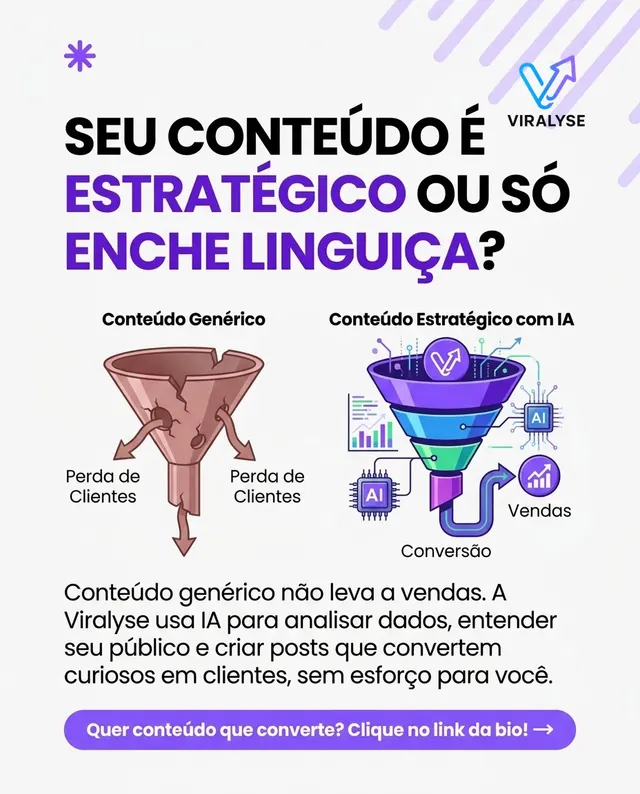
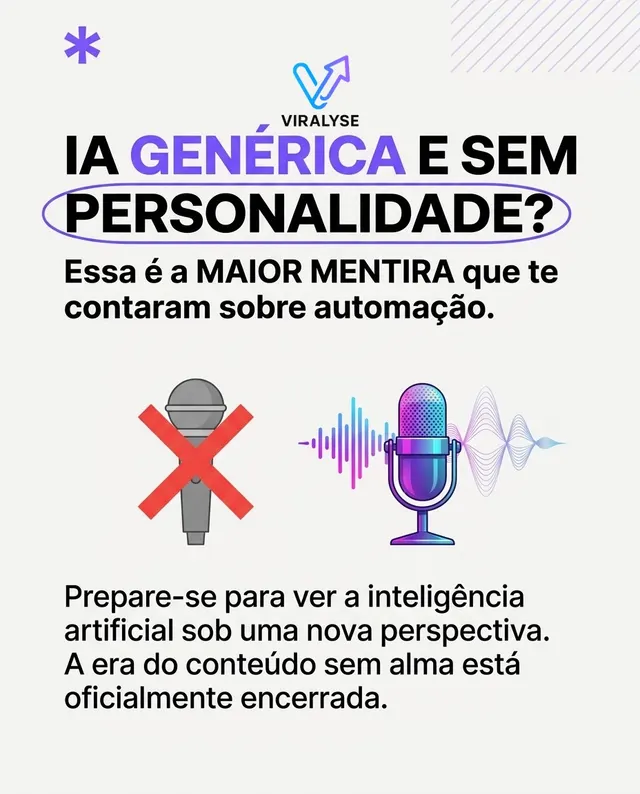
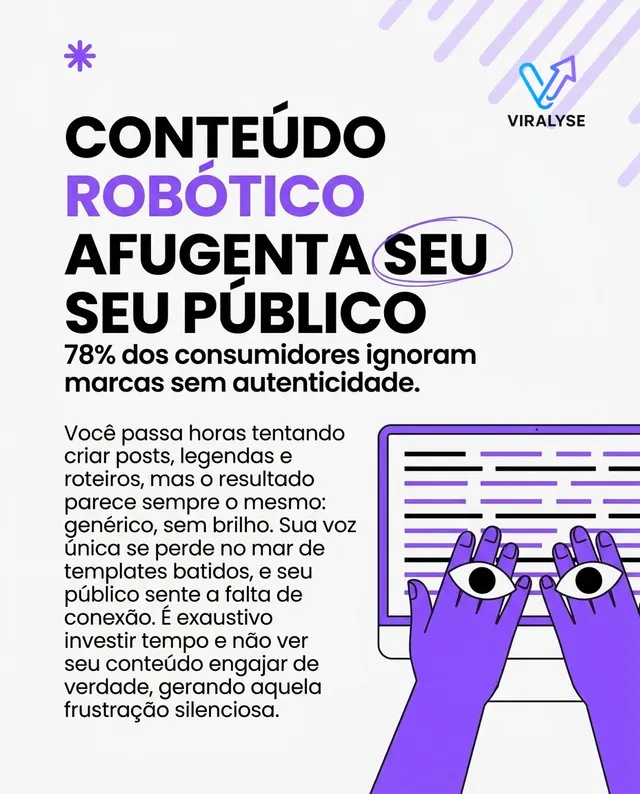
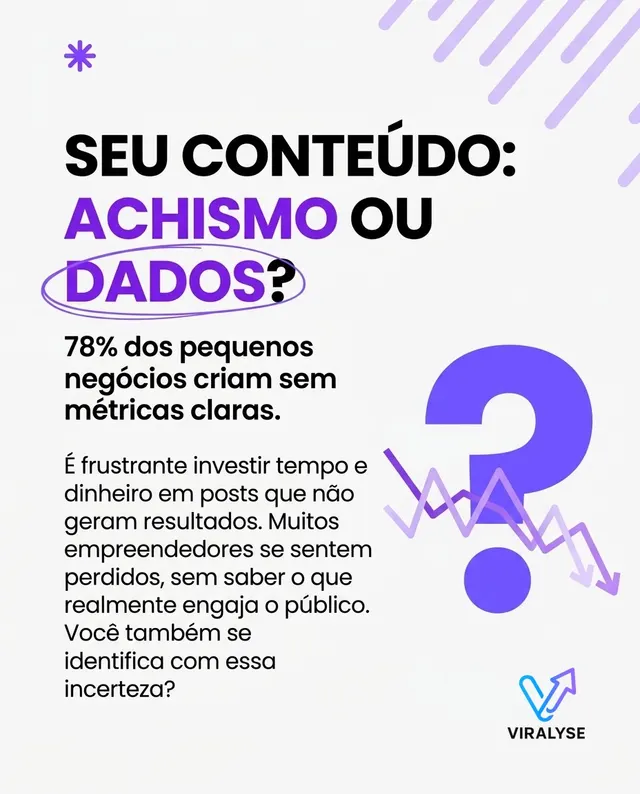
Generated by Viralyse for Viralyse's own profile, with its logo and style, no manual retouching.


Viralyse vs traditional schedulers
| Viralyse | Schedulers (Buffer, Metricool and similar) | |
|---|---|---|
| Schedules and publishes | Instagram, Facebook, TikTok and YouTube | Yes, and more networks (LinkedIn, X, Pinterest...) |
| Creates content | Strategy, captions, designs and scripts with AI | Usually only caption suggestions |
| Free plan | Strategy and first week's plan | Limited free plan |
General comparison between tool categories, per official websites in Oct 2026. Features and prices change — check each site.

“The platform is incredibly complete and really easy to use. Viralyse took all the weight of the creative process off my day. I recommend it with my eyes closed to any brand or professional who wants a strong online presence.”
Pricing
Pricing
Your strategy and first week's plan are free, no credit card. To create, schedule and publish, pick a plan — 7-day money-back guarantee.
Viralyse Social · Basic
BRL 59.90/month
400 AI credits per month, 1 brand · or BRL 41.93/month billed yearly
Start with Basic →Viralyse Social · ProMost complete
BRL 119.90/month
800 AI credits per month, up to 3 brands and 3 team members, 100 Viralyse Studio credits/month · or BRL 83.08/month billed yearly
Start with Pro →Who it's for (and who it isn't)
Who it's for
- People posting on more than one network
- Small businesses with no time to post daily
Who it's not for
- Anyone who needs LinkedIn, X or Pinterest
- Agencies with dozens of brands
Limitations (no fluff)
- Doesn't publish to LinkedIn, X or Pinterest.
- Instagram requires a professional account; Facebook publishes to Pages.
- The app is in Brazilian Portuguese with partial English; prices in BRL.
- Scheduling is part of paid plans.
FAQ
FAQ
How do I schedule social media posts?
Connect your accounts in Viralyse, upload or create the post with AI, pick a day and time and confirm. It publishes automatically through the official APIs.
Which networks can I schedule to?
Instagram, Facebook, TikTok and YouTube.
Can I schedule Reels and carousels?
Yes, on professional Instagram accounts connected through Meta.
Do I need to share my password?
No. Each network is connected through its official authorization.
How is it different from Buffer or Metricool?
They schedule to more networks and have free plans. Viralyse covers 4 networks but also creates your strategy and posts with AI.
More questions? Email us at [email protected].