 Viralyse Social
Demo
See how it works
You don't need to post every day — you need to post with a strategy. Save this post 👇
 Scheduled · Tue, 6:00 PM

 Facebook
 TikTok
 YouTube
Step by step
How to create an Instagram post with AI in 6 steps
- 1
Type your Instagram @
Viralyse reads your profile (bio, niche, what you already post). Not posting yet? Describe your business in one sentence.
- 2
Get your business strategy
Audience, pain points, promise, 3 content pillars and how often to post — free, in a few minutes.
- 3
See your planned week
7 post ideas with a hook, format (Reels, carousel or single image) and pillar for each day.
- 4
Generate the full post
Caption in your tone, hashtags, call to action and a design with your logo and colors.
- 5
Edit anything
Change the copy, ask for another design or switch the format. Nothing goes live without your approval.
- 6
Schedule or publish
Pick a day and time: Viralyse publishes to Instagram through Meta's official API, no password needed.
Before vs after
Creating Instagram posts: the old way vs with AI
The old way
- Opening Instagram with no idea what to post
- Designing every post from scratch
- Re-explaining your business to ChatGPT every time
- Forgetting to post on time
With Viralyse
- A strategy that says what to post and why
- Designs with your logo and visual style
- Captions in your voice, context remembered
- A calendar that publishes for you
Features
What Viralyse does
Strategy before posts
Positioning, audience, pain points, 3 content pillars and posting frequency — every post comes from a plan, not a random prompt.
A ready week
7 posts with hook, format (Reels, carousel or single image) and pillar for each day, which you approve or edit.
Designs in your brand's style
Uses your real logo and reference posts to keep colors, type and layout consistent — not a generic template.
Captions and hashtags in your voice
Up to 3 tones of voice, niche hashtags and a call to action at the end.
Carousels and Reels scripts
Carousels slide by slide with your identity; for Reels, a script with hook, scenes, cover and caption.
Schedules and publishes
Visual calendar and auto-publishing to Instagram through Meta's official API, no password needed.
Real examples
Real examples
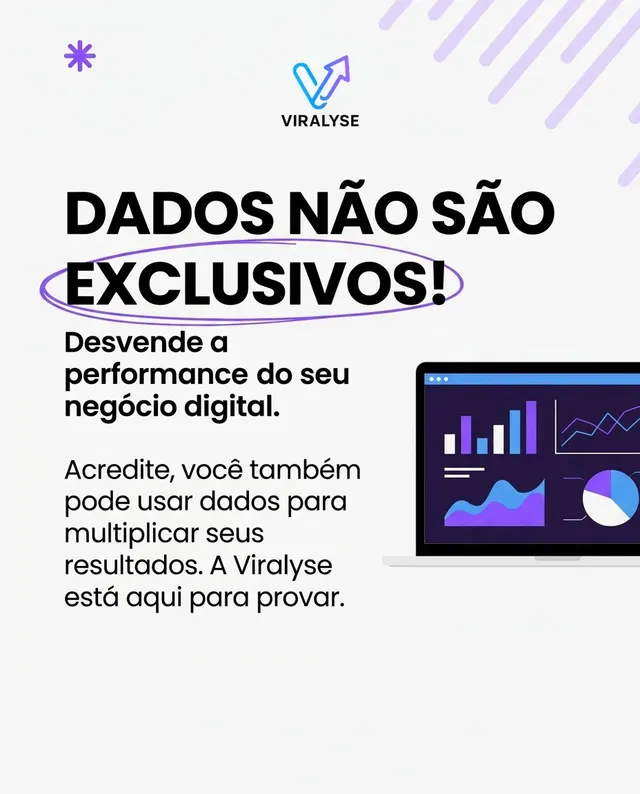
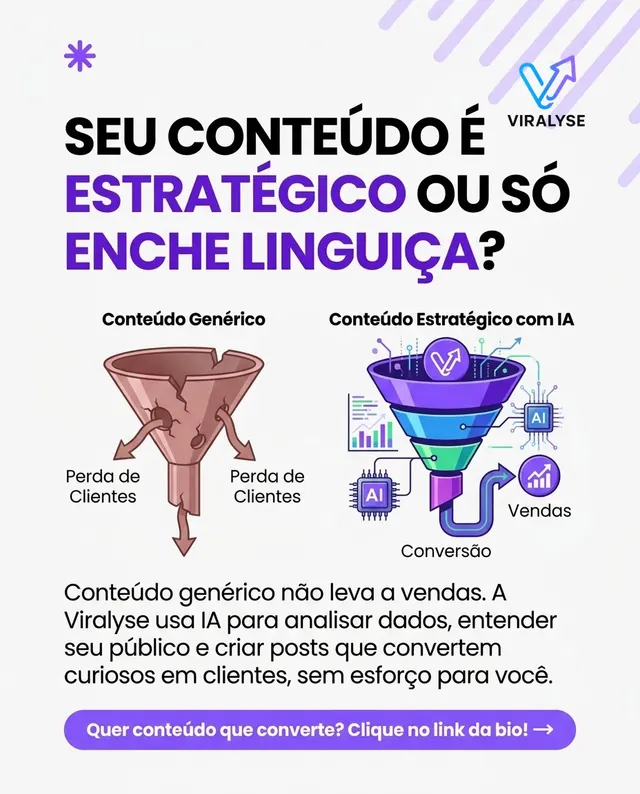
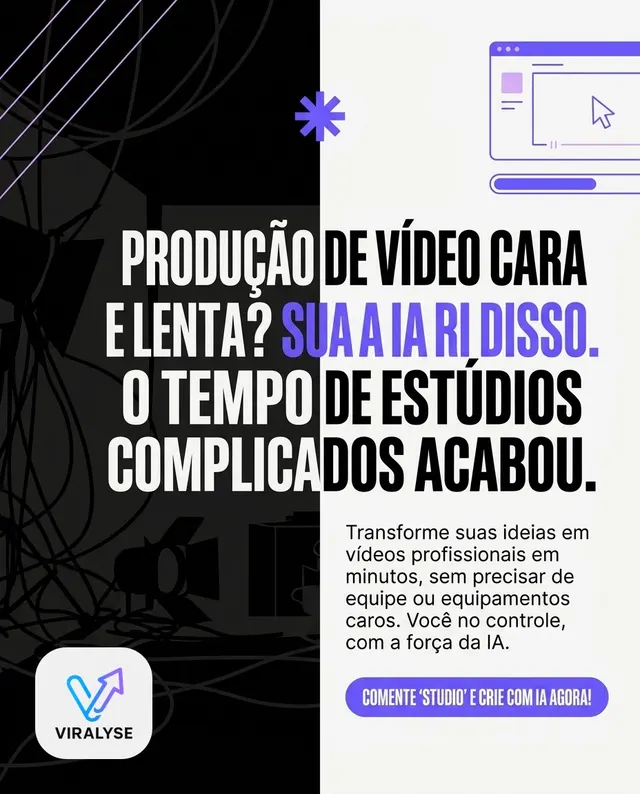
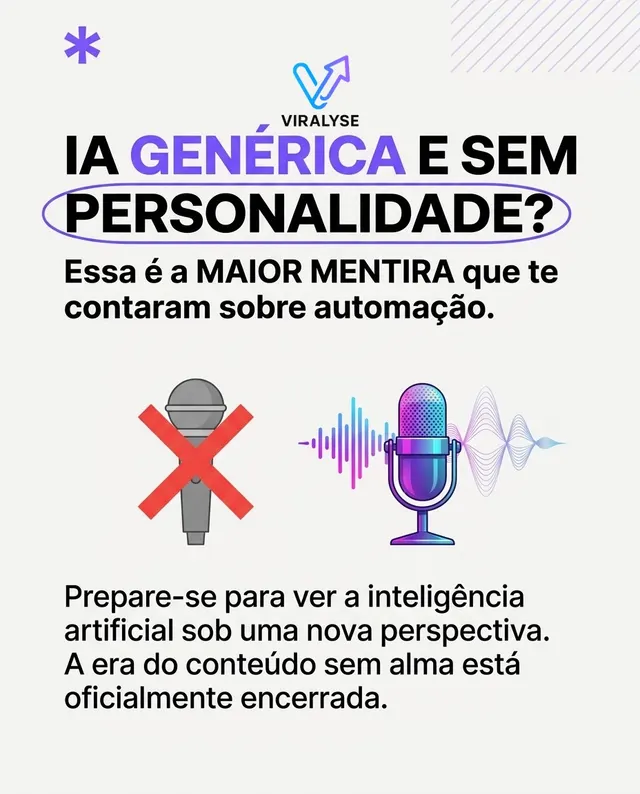
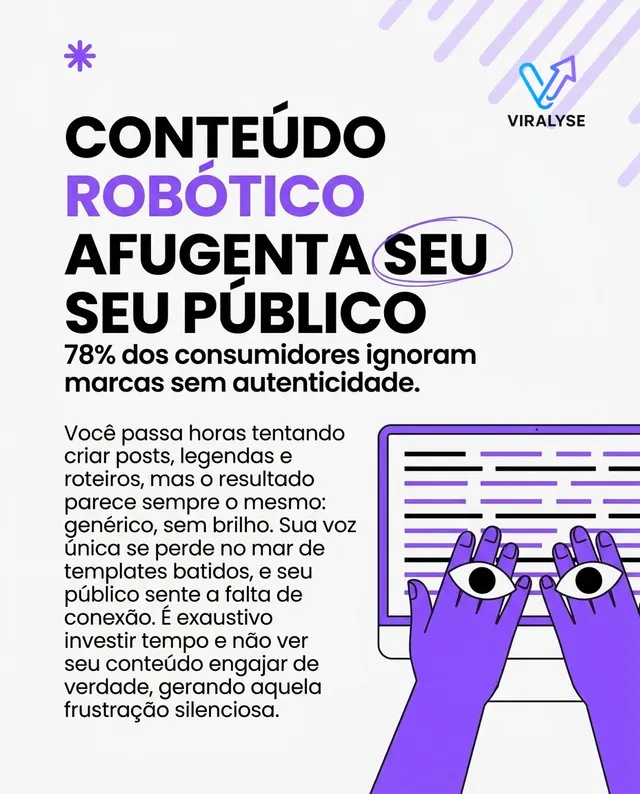
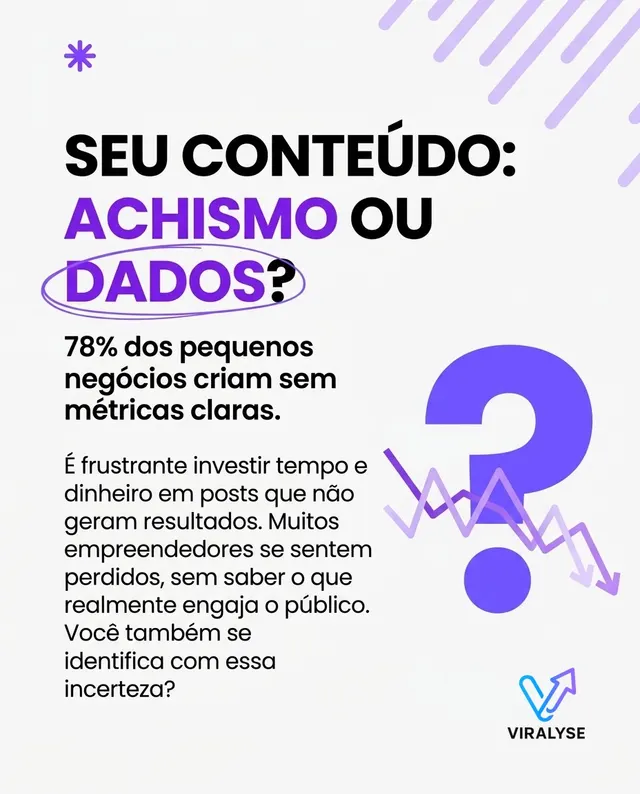
Generated by Viralyse for Viralyse's own profile, with its logo and style, no manual retouching.
In practice
What you can do with an AI Instagram post generator
Free AI Instagram post generator
Your business strategy and the first week's post plan are free, no credit card. Generating designs and scheduling are on paid plans.
AI Instagram caption generator
Captions with a hook in the first line, a body and a call to action, in the tone you chose.
AI carousel maker for Instagram
Educational and sales carousels with your logo and colors, slide by slide, ready to schedule.
Instagram content creator for small business
For stores, service providers and creators — the strategy starts from your business, not your follower count.
AI Instagram caption generator
Captions with a hook, a body and a call to action, in your brand's tone.
AI Instagram hashtag generator
Niche hashtags with every caption, plus saved hashtag groups.
Instagram post ideas
A week of ideas tied to your content pillars, not a generic list.
Reference
Ideal Instagram post size
| Format | Size | In Viralyse |
|---|---|---|
| Feed post (portrait) | 1080 × 1350 px (4:5) | Default format for generated designs — takes more room in the feed. |
| Square post | 1080 × 1080 px (1:1) | Instagram accepts it; we recommend 4:5 portrait. |
| Carousel | 1080 × 1350 px, up to 20 slides | Generated slide by slide with the same identity. |
| Reels | 1080 × 1920 px (9:16) | Script, cover and caption ready; you film it or create it in Viralyse Studio. |
Sizes recommended by Instagram in 2026. The profile grid crops 4:5 posts to 3:4, so keep text away from the edges.

“The platform is incredibly complete and really easy to use. Viralyse took all the weight of the creative process off my day. I recommend it with my eyes closed to any brand or professional who wants a strong online presence.”
Pricing
Pricing
Your strategy and first week's plan are free, no credit card. To create, schedule and publish, pick a plan — 7-day money-back guarantee.
Viralyse Social · Basic
BRL 59.90/month
400 AI credits per month, 1 brand · or BRL 41.93/month billed yearly
Start with Basic →Viralyse Social · ProMost complete
BRL 119.90/month
800 AI credits per month, up to 3 brands and 3 team members, 100 Viralyse Studio credits/month · or BRL 83.08/month billed yearly
Start with Pro →Who it's for (and who it isn't)
Who it's for
- Small businesses running their own social media
- Creators who want to post consistently
- Freelancers and small agencies (up to 3 brands on Pro)
Who it's not for
- People who already have all content and only need a scheduler
- Teams managing dozens of brands at once
Limitations (no fluff)
- AI can make mistakes: review copy and design before publishing (nothing goes live without your approval).
- Auto-publishing requires a professional (Creator or Business) account connected via Meta.
- The app is in Brazilian Portuguese with partial English; prices are in BRL.
- A complete post uses about 16 credits — roughly 25 posts/month on Basic and 50 on Pro. No guaranteed reach or sales.
FAQ
FAQ
How do I create an Instagram post with AI?
In Viralyse, type your @, get your strategy and planned week, and generate each post with caption, hashtags and a design with your logo. Then review it and schedule it.
Is there a free AI Instagram post generator?
To start, yes: the strategy and the 7-post plan for your first week are free, no card. Generating designs and scheduling require a plan from BRL 59.90/month, with a 7-day guarantee.
Does Viralyse post on my Instagram by itself?
Only after you approve. You schedule it and it goes live at the set time, through Meta's official connection.
How is it different from ChatGPT?
ChatGPT answers what you ask and forgets your context. Viralyse keeps your business profile, builds the strategy, generates the week with on-brand designs and schedules it.
How is it different from Canva?
In Canva you build each design from templates. In Viralyse the AI decides what to post, writes the caption and generates the design with your logo — you just review.
Does the AI use my colors and logo?
Yes. Upload your logo and reference posts and the designs follow your colors, type and layout.
How many posts can I create per month?
A complete post uses about 16 credits: roughly 25 posts/month on Basic (400 credits) and 50 on Pro (800).
Do I need a lot of followers?
No. The strategy comes from your business, not your follower count.
What is the best AI for Instagram posts?
It depends on your needs. Canva works for one-off designs and ChatGPT for text. Viralyse is for people who want a strategy, on-brand posts and scheduling in one place.
Can AI write Instagram captions?
Yes. Each Viralyse post comes with a caption in your tone, niche hashtags and a call to action at the end.
What size should an Instagram post be?
1080 × 1350 px (4:5 portrait) for feed posts and carousels, 1080 × 1920 px for Reels.
More questions? Email us at [email protected].